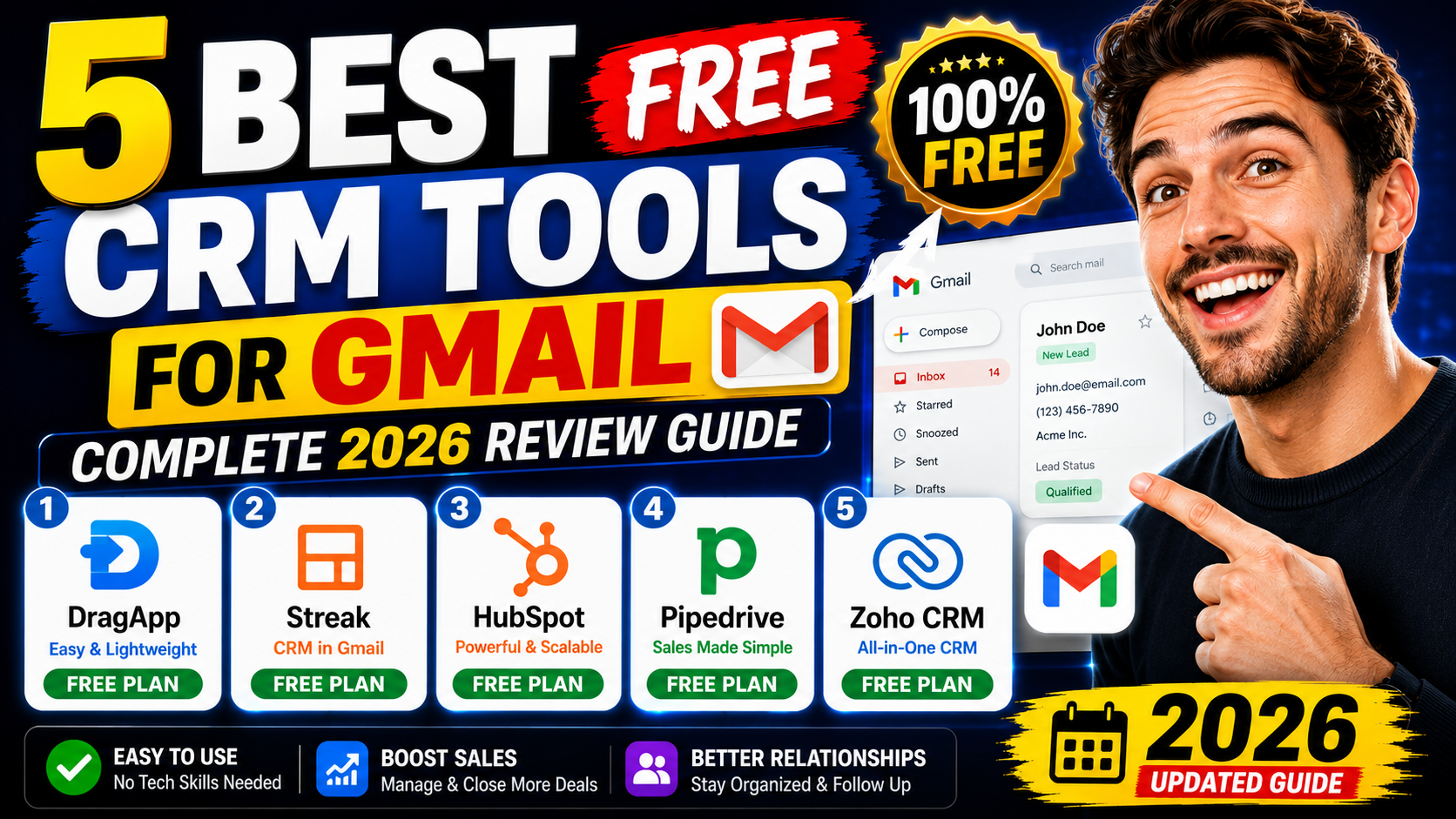
A free Gmail CRM lets you manage customer emails, track sales pipelines, and organize contacts all within your inbox. It saves time, improves team collaboration, and keeps communication centralized.
CRM can be complicated at first. Exchanging emails with customers and placing all the information about them and potential deals in a second tool takes time and effort. Thus, you need a CRM Gmail software that integrates your database with your communications.
In this guide, I've tested and reviewed 10 of the best Gmail CRM tools to help you choose the right one for your workflow.
Gmail is where 80% of business communication happens. Yet Gmail is not designed for sales. You can't see customer history, track deals, manage pipelines, or automate follow-ups. A CRM for Gmail solves this without leaving your inbox.
DragApp turns Gmail into a shared inbox and CRM in one place. It helps teams manage pipelines, assign emails, and track deals visually with kanban-style boards. Since most deals start and end as emails, DragApp stops you from switching between Gmail and an external CRM tool.
Best For: Teams needing a shared inbox and CRM in one place. Small sales teams and customer support groups.
Streak CRM allows you to build customizable pipelines and track sales opportunities directly in Gmail. You can check company information, related deals, contact details, and contracts—all without leaving your inbox. It's fully customizable for different workflows.
Best For: Sales teams who want CRM fully inside Gmail. Users willing to pay for premium features.
HubSpot CRM is free forever with unlimited users and contacts. It integrates with Gmail so you can log emails with one click. It offers a visual dashboard with pipeline tracking, reporting, and deal management—all without paying a cent.
Best For: Businesses wanting a powerful, productive CRM with easy Gmail integration. Best free option for larger teams.
Pipedrive's Kanban board is gorgeous. Drag deals left-to-right as they progress through your sales pipeline. Highly visual, easy to understand, and excellent for sales teams. Gmail integration syncs your emails with deals automatically.
Best For: Sales teams that love visual pipeline management. Small businesses growing to 5-10 person teams.
Zoho CRM is a Chrome extension that shows customer profiles when you open emails. It integrates deeply with Gmail and offers powerful automation engines for workflows, lead scoring, and deal management without coding.
Best For: Teams wanting deep automation and customization. Businesses integrating with other Zoho apps.
| Tool | Best For | Free Plan | Starting Price | Gmail Location |
|---|---|---|---|---|
| DragApp | Shared inbox teams | Limited | $10/user | Inside Gmail |
| Streak | Gmail-first sales | Trial only | $49/month | Inside Gmail |
| HubSpot | Growing teams | Forever free | Free | Extension |
| Pipedrive | Visual teams | Trial | $11/month | Integration |
| Zoho CRM | Automation heavy | 3 users | $12/user | Extension |
With so many options, here's how to pick the right one for your situation:
Pro Tip: Most tools offer free trials. Test 2-3 options with your real workflow before deciding. The best CRM is the one your team will actually use.
Choosing a CRM for Gmail doesn't have to be overwhelming. Start by identifying your team's main needs: Do you want a shared inbox? Advanced automation? Simple contact management? Use the comparison table above to narrow down your options. If you're still unsure, take advantage of free plans or trials.
Most importantly, pick a CRM that is easy to learn so the onboarding process is as smooth as possible. A tool that works for a small team today should also support advanced features when you need them in the future.
I hope you find your ideal free CRM for Gmail to keep your communication with customers aligned and centralized in your email inbox, saving time, enhancing teamwork, and building a scalable CRM pipeline that furthers your business goals.
This really encouraged me today, thank you for sharing!
Beautifully written. Sharing this with my family.
Exactly what I needed to read right now. Bless you for this.




This really encouraged me today, thank you for sharing!
Beautifully written. Sharing this with my family.
Exactly what I needed to read right now. Bless you for this.