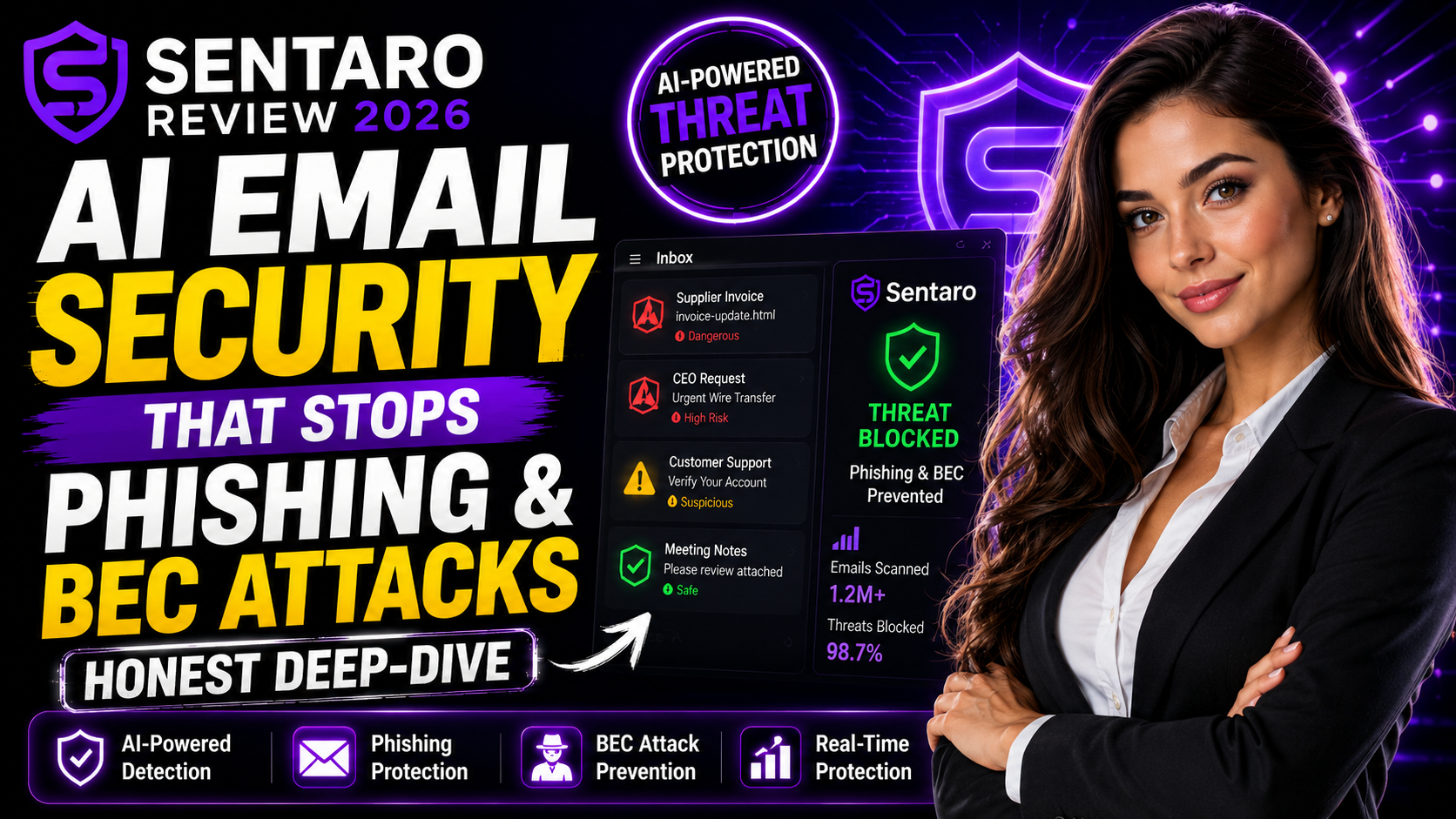
Protect your inbox from phishing and BEC attacks with Sentaro's AI-powered email security.
Get Started with Sentaro →Deploys in minutes on Google Workspace & Microsoft 365
Email is still the number one way attackers break into a business. A single convincing phishing email or a well-timed business email compromise (BEC) attempt — an invoice request that looks like it's from your CEO, a "vendor" asking you to update payment details — can cost a company thousands of dollars or expose sensitive data in seconds. Native filters in Gmail and Outlook catch the obvious stuff, but the sophisticated attacks slip right through. That's the gap Sentaro is built to close.
Sentaro is an AI-powered email security platform designed to sit on top of Google Workspace or Microsoft 365 and catch the threats your existing inbox protection misses — phishing, BEC, and zero-day attacks — before they ever land in front of an employee.
We dug into how Sentaro works, what it actually protects against, how setup works, and who it makes the most sense for. Here is our full, honest Sentaro review.
Sentaro is an AI-driven email security solution built specifically to stop phishing, business email compromise, and zero-day attacks before they reach a user's inbox. Rather than relying purely on blocklists and known malware signatures — the approach traditional spam filters have used for decades — Sentaro uses AI to analyze behavioral patterns, sender relationships, and contextual anomalies in real time.
That distinction matters because most modern phishing and BEC attacks don't contain malware at all. They're just well-written, well-timed social engineering — an email that looks exactly like it's from your finance director asking for an urgent wire transfer, or a "password reset" link that mimics your actual login page pixel-for-pixel. Signature-based filters have nothing to flag. Behavioral AI does.
Sentaro is built to integrate directly with the two email ecosystems most businesses already run on — Google Workspace and Microsoft 365 — and the company states it can be deployed in minutes, without requiring a rip-and-replace of your existing email infrastructure.
At its core, Sentaro analyzes incoming email content, sender behavior, and link destinations using AI models trained to spot phishing patterns — including lookalike domains, urgency-based language, and spoofed sender identities. Instead of waiting for a phishing campaign to be reported and added to a blocklist, Sentaro is designed to catch novel phishing attempts the first time they appear.
BEC attacks are uniquely dangerous because they're almost always malware-free — just convincing impersonation. Sentaro is built to flag anomalies like a "CEO" emailing from a slightly altered domain, unusual financial requests, or a sudden change in someone's typical communication pattern. This is the category of attack that costs businesses the most money globally, and it's exactly where traditional filters struggle most.
"Zero-day" threats are attacks that have no known signature yet — brand-new malware, never-before-seen phishing kits, or freshly registered malicious domains. Because Sentaro's detection is behavioral and contextual rather than purely signature-based, it's positioned to catch these threats before they're formally identified and added to industry blocklists, closing the window where most damage happens.
Sentaro is built to plug directly into the two dominant business email platforms. According to the company, deployment takes minutes rather than the weeks-long rollouts often associated with enterprise security tools. For IT teams that don't want to migrate email providers or disrupt daily operations just to get better protection, this is a meaningful advantage.
Rather than flagging suspicious emails after they've already landed (which still requires an employee to notice the warning and act correctly), Sentaro is designed to intercept and block threats before they ever reach the inbox. This reduces the single biggest variable in email security: human error under time pressure.
Sentaro does not publish flat, self-serve pricing tiers on its website — which is standard practice for B2B email security platforms, since cost typically depends on factors like number of mailboxes, your specific email provider (Google Workspace vs. Microsoft 365), and the size of your organization. To get an accurate quote, you'll need to go through Sentaro directly and provide some basic details about your setup.
This isn't unusual in the email security category — competitors like Microsoft Defender for Office 365 (often bundled into higher Microsoft 365 tiers), Proofpoint, and Check Point Harmony also use custom or tiered enterprise pricing rather than a flat monthly rate. If transparent self-serve pricing is a hard requirement for you, it's worth requesting a quote early in your evaluation so you can compare actual numbers against the competition.
Request your Sentaro quote and see how it strengthens your existing email security stack.
Get a Sentaro Quote →Works with Google Workspace & Microsoft 365 · Deploys in minutes
| Feature | Sentaro | Microsoft Defender (O365) | Proofpoint | Native Gmail/Outlook Filters |
|---|---|---|---|---|
| AI Behavioral Phishing Detection | ✓ Yes | ✓ Yes | ✓ Yes | ✗ Limited |
| BEC-Specific Detection | ✓ Yes | Partial | ✓ Yes | ✗ No |
| Zero-Day Threat Coverage | ✓ Yes | Partial | ✓ Yes | ✗ No |
| Google Workspace Support | ✓ Yes | ✗ No (Microsoft only) | ✓ Yes | Native only |
| Microsoft 365 Support | ✓ Yes | ✓ Yes (native) | ✓ Yes | Native only |
| Setup Time | Minutes | Hours–Days | Days–Weeks | Already built-in |
| Pricing Model | Custom quote | Bundled in M365 tier | Custom enterprise quote | Free (included) |
The honest takeaway: native Gmail and Outlook filtering catches the obvious spam and known malware, but it's not built to catch sophisticated, targeted phishing or BEC attempts. Microsoft Defender is strong if you're fully inside the Microsoft ecosystem, but it doesn't extend to Google Workspace. Sentaro's pitch is being a focused, fast-to-deploy layer that works across both major platforms — which is a real advantage for businesses running mixed environments or that simply want an additional layer of AI-driven protection without an enterprise-grade rollout.
Works extremely well for:
✓ Businesses on Google Workspace or Microsoft 365 wanting stronger phishing protection
✓ Finance, legal, and operations teams that are common BEC targets
✓ Small and mid-sized businesses without a dedicated security operations team
✓ Organizations that handle wire transfers, invoices, or sensitive client data over email
✓ IT teams that want fast deployment without migrating email providers
✓ Companies that have experienced phishing or BEC attempts in the past
Less suitable for:
✗ Solo freelancers or very small teams with minimal email-based financial risk
✗ Organizations not using Google Workspace or Microsoft 365
✗ Businesses that require fully transparent, self-serve pricing without a sales conversation
✗ Teams already running a comprehensive enterprise security suite that already covers BEC and zero-day detection
Pros:
✓ AI-driven behavioral detection catches threats signature-based filters miss
✓ Specifically built to address business email compromise, not just generic spam
✓ Works across both Google Workspace and Microsoft 365
✓ Fast deployment — minutes, according to the company, not weeks
✓ Blocks threats before they reach the inbox, reducing reliance on employee vigilance
✓ Positioned for zero-day threats that haven't been catalogued yet
✓ Doesn't require switching email providers or rebuilding your stack
Cons:
✗ No public self-serve pricing — you'll need to request a quote
✗ As with any AI security layer, no system can guarantee 100% detection of every attack
✗ Less established track record and public case study volume compared to legacy vendors like Proofpoint or Microsoft Defender
✗ Overlap is possible if you're already running a full enterprise security suite with BEC coverage
Email remains the single most exploited entry point for cyberattacks, and the threats that actually cause damage — targeted phishing and business email compromise — are precisely the ones native Gmail and Outlook filters are weakest against. Sentaro's pitch is straightforward: layer AI-driven behavioral detection on top of what you already use, without ripping out your email provider or spending weeks on enterprise rollout.
For businesses on Google Workspace or Microsoft 365 — especially teams that handle financial transactions, client data, or executive communications over email — that additional layer of protection is a sensible investment. The lack of public pricing means you'll need to go through a sales conversation to know your actual cost, which is a minor friction point but not unusual for this category of security tool.
Our Rating: 9/10 — Recommended for businesses on Google Workspace or Microsoft 365 that want stronger, AI-driven protection against phishing and business email compromise without overhauling their existing email infrastructure.
Ready to strengthen your email security? Get your Sentaro quote today.
Get Sentaro Now →AI-powered protection · Google Workspace & Microsoft 365




This really encouraged me today, thank you for sharing!
Beautifully written. Sharing this with my family.
Exactly what I needed to read right now. Bless you for this.