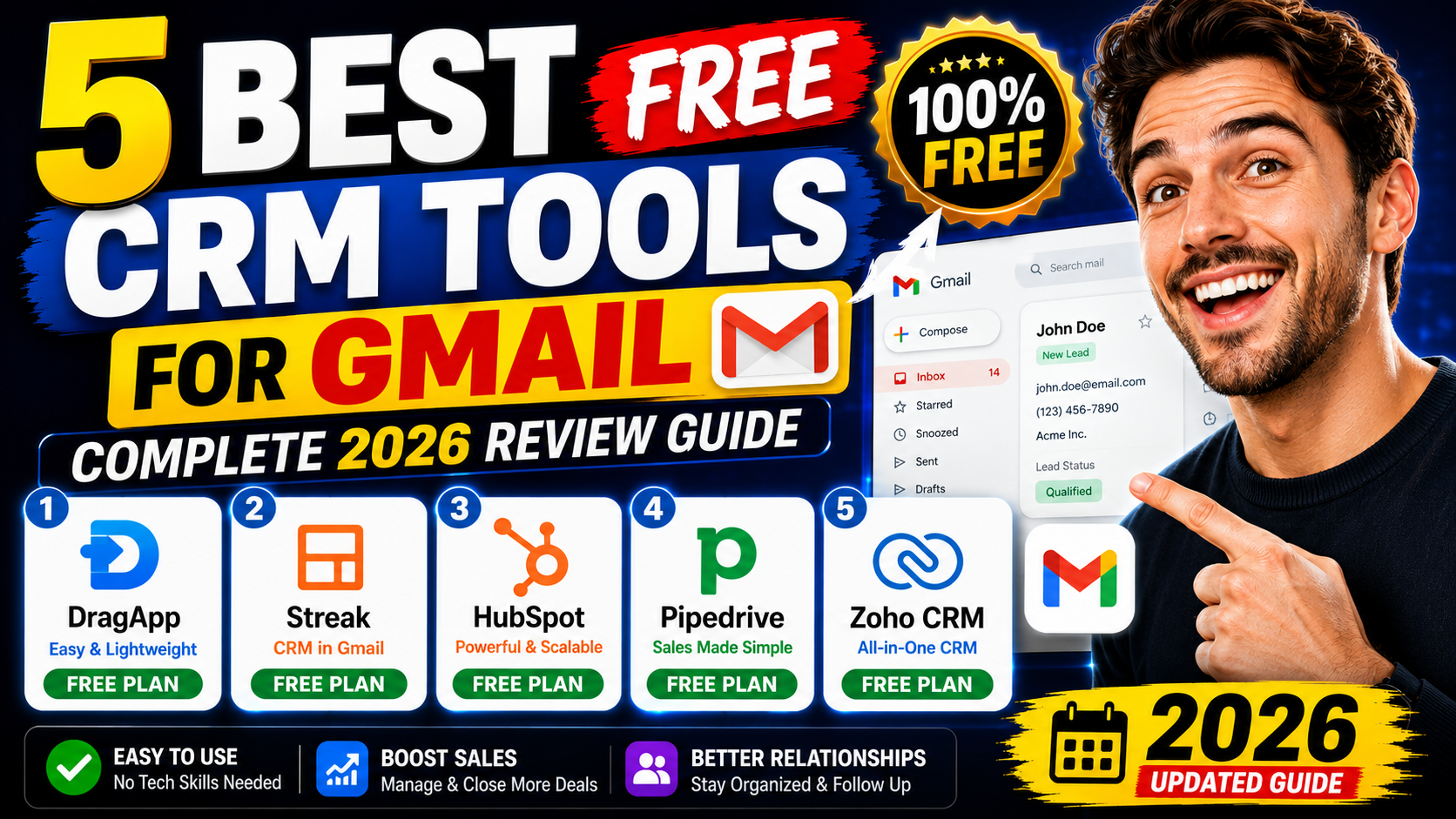
Quick Answer: The best free CRM for Gmail in 2026 is HubSpot CRM (free forever, unlimited contacts) or Streak CRM (lives directly inside Gmail). For teams, DragApp is the top shared inbox option. See the full comparison below.
If you spend most of your workday in Gmail, switching to a separate CRM tab every few minutes is genuinely frustrating and slows everything down. A free CRM for Gmail solves this by bringing contact tracking, deal pipelines, and follow-up reminders directly into your inbox — or deeply connected to it.
We tested the best CRM for Gmail tools available in 2026 — from tools that live entirely inside your inbox to powerful external CRMs with strong Gmail integration. Whether you are looking for the best Gmail CRM that is completely free, the best one with automation, or the best one for a small sales team, this guide covers all of it.
Here are the five best options we recommend — tested hands-on, with honest pros, cons, and pricing.
Gmail is where most business communication happens, but Gmail alone was never designed to manage sales. You cannot see full customer history at a glance, track where each deal stands, set automated follow-up reminders, or manage a team inbox without constantly forwarding emails. A CRM for Gmail adds all of this without requiring you to leave your inbox or learn a complicated new system.
The result: faster follow-ups, fewer missed deals, better team collaboration, and a complete view of every customer relationship — all inside the tool you already use every day.
Streak CRM lives entirely inside Gmail as a Chrome extension. No tab switching. No separate login. Your deals, pipelines, email tracking, and contact data all appear directly in Gmail. It is the most seamless Gmail CRM experience available.
Try Streak CRM Free →DragApp turns Gmail into a shared inbox and visual CRM in one place. Teams can manage pipelines, assign emails to teammates, add notes, and track deals with kanban-style boards — all without leaving Gmail. Since most deals start and end as emails, DragApp eliminates the need to copy information between Gmail and a separate CRM tool.
Best For: Small sales teams and customer support groups that want a shared inbox and CRM in a single Gmail-native tool.
Streak CRM is our top pick for the best CRM with Gmail integration. It installs as a Chrome extension and adds a full sales CRM directly inside your Gmail interface — pipelines, deal tracking, email tracking, mail merge, and contact management are all visible without opening a separate tab. You can see when emails are opened, set follow-up reminders, and manage your entire pipeline without ever leaving Gmail.
Best For: Sales teams who want CRM fully inside Gmail. The best Gmail CRM for users who hate switching between tools.
Streak CRM — The Best Gmail-Native CRM in 2026
Manage your entire pipeline without leaving Gmail. Email tracking, mail merge, and deal management all inside your inbox.
Free trial available · No credit card required
HubSpot CRM is the best completely free CRM that works with Gmail. The free plan never expires, includes unlimited users and contacts, and connects to Gmail via a Chrome extension sidebar. When you open an email in Gmail, the HubSpot sidebar shows you the contact's full history, all previous interactions, open deals, and notes — all in one place.
Best For: Teams that want a completely free Gmail CRM with no time limit. The best google CRM free option for growing businesses.
Pipedrive's Kanban board makes managing a sales pipeline visually intuitive — drag deals left to right as they progress through stages. The Gmail integration syncs your emails with deals automatically and shows you deal context inside Gmail. If your team is visual and process-driven, Pipedrive is one of the best CRM Gmail tools available.
Best For: Sales teams that love visual deal management. Small businesses scaling to 5–10 person sales teams.
Zoho CRM is the best option if you need deep workflow automation alongside Gmail integration. A Chrome extension shows customer profiles when you open any email, and the platform's automation engine handles lead scoring, deal progression, and follow-up sequences without manual work. The free tier covers up to 3 users — genuinely useful for small teams or solo operators.
Best For: Teams wanting deep automation and customization. Businesses already using other Zoho products.
| CRM Tool | Best For | Free Plan | Starting Price | Gmail Location | Rating |
|---|---|---|---|---|---|
| HubSpot | Growing teams | ✓ Forever free | Free | Sidebar extension | 4.4/5 |
| Streak | Gmail-first sales | Trial only | $49/month | Native inside Gmail | 4.5/5 |
| DragApp | Shared inbox teams | Very limited | $10/user | Native inside Gmail | 4.5/5 |
| Pipedrive | Visual sales teams | Trial only | $11/month | Gmail integration | 4.5/5 |
| Zoho CRM | Automation & custom | ✓ 3 users | $12/user | Chrome extension | 4.3/5 |
With five solid options above, here is how to narrow it down quickly:
Our recommendation: Start with HubSpot's free plan to test the concept, then switch to Streak if you want the most seamless Gmail experience once you are ready to invest.
The best free CRM for Gmail depends on what you actually need. If you want something completely free forever, start with HubSpot CRM. If you want the CRM to live inside Gmail with no switching, Streak CRM is the strongest option available. For teams sharing an inbox, DragApp is purpose-built for that use case.
All five tools above offer either a free plan or a free trial. Test one or two with your real workflow before committing. The best CRM is always the one your team will actually use every day.
Ready to try the best CRM for Gmail?
Streak lives entirely inside Gmail — no switching tabs, no extra tools.
Free trial available · Works inside Gmail · No credit card required




This really encouraged me today, thank you for sharing!
Beautifully written. Sharing this with my family.
Exactly what I needed to read right now. Bless you for this.